Spectrum example
import numpy as np
import matplotlib.pyplot as pl
from matplotlib import rcParams
rcParams.update({'figure.figsize': (10, 8)})
rcParams.update({'font.size': 14})
fs = 100 # Hz
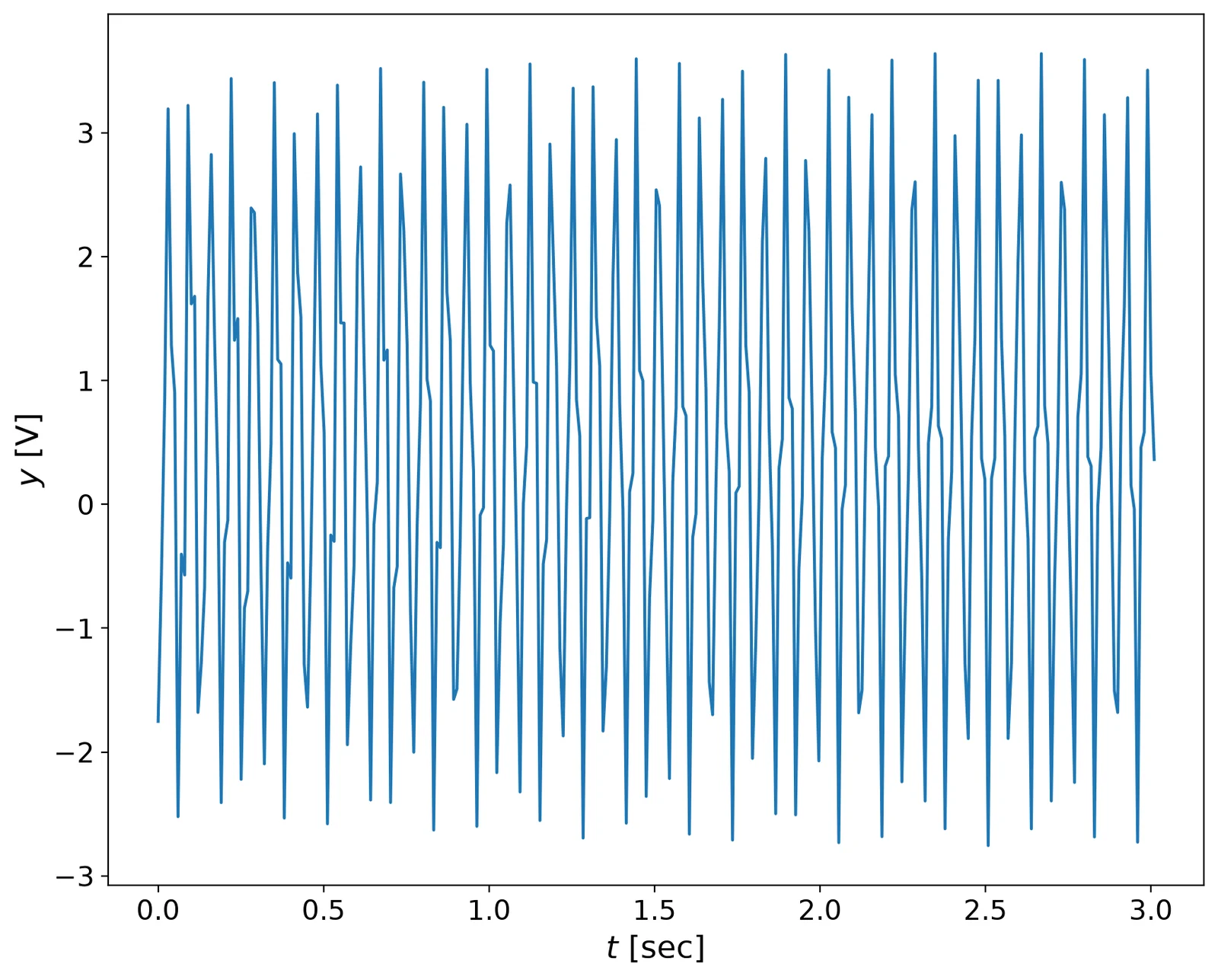
y = np.loadtxt('data/FFT_Example_data_with_window.txt')
t = np.linspace(0,len(y)/fs,len(y))
pl.plot(t,y)
pl.xlabel('$t$ [sec]',fontsize=16)
pl.ylabel('$y$ [V]',fontsize=16)
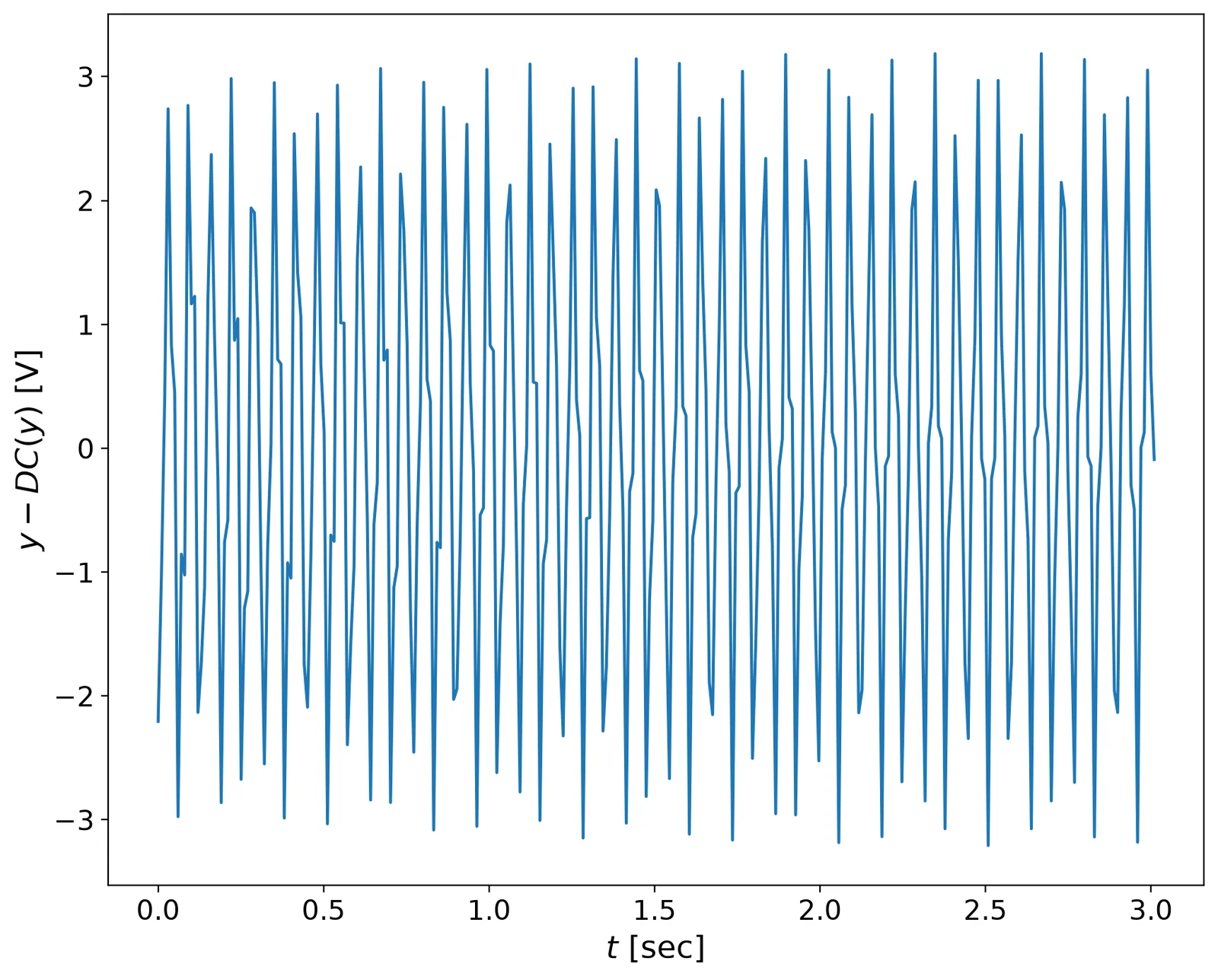
# subtract the DC:
yf = y - np.mean(y)
pl.plot(t,yf)
pl.xlabel('$t$ [sec]',fontsize=16)
pl.ylabel('$y - DC(y) $ [V]',fontsize=16)
def spectrum(y,Fs):
    """
    Plots a Single-Sided Amplitude Spectrum of a sampled
    signal y(t), sampling frequency Fs (lenght of a signal
    provides the number of samples recorded)

    Following: http://goo.gl/wRoUn
    """
    n = len(y) # length of the signal
    k = np.arange(n)
    T = n/Fs
    frq = k/T # two sides frequency range
    frq = frq[range(int(n/2))] # one side frequency range
    Y = 2*np.fft.fft(y)/n # fft computing and normalization
    Y = Y[range(int(n/2))]
    return frq, Y

def plotSignal(t,y,frq,Y):
    """ plots the time signal Y(t) and the
    frequency spectrum Y(fs)
    Inputs:
        t - time
        y - signal
    Outputs:
        t - time signal, [sec]
        Y - values, [Volt]
    Usage:
        plotSignal(t,y,fs)
    """

    # Plot
    pl.figure()
    pl.subplot(2,1,1)
    pl.plot(t,y,'b-')
    pl.xlabel('$t$ [s]',fontsize=16)
    pl.ylabel('$Y$ [V]',fontsize=16)
    # axes().set_aspect(0.2)
    # title('sampled signal')
    pl.subplot(2,1,2)
    pl.plot(frq,abs(Y),'r') # plotting the spectrum
    pl.xlabel('$f$ (Hz)',fontsize=16)
    pl.ylabel('$|Y(f)|$',fontsize=16)
frq,Y = spectrum(yf,fs)
plotSignal(t,yf,frq,Y)